
Hear from Our Customers
You’re done chasing down lost keys. Done wondering if that employee you let go two months ago still has a way in. Done hoping your night shift manager actually locked up.
A proper access control system gives you real answers. You’ll see who entered, what door they used, and exactly when it happened. You can grant access to a contractor for three days, then revoke it automatically. You can lock down your entire facility from your phone if something feels off.
The difference isn’t just tighter security. It’s the end of that nagging feeling that you don’t really know what’s happening at your property when you’re not there. You get visibility, control, and the ability to respond immediately when situations change.
We’ve been securing properties in the Delaware Valley since the late 1800s. We’re not a franchise or a national chain trying to upsell you on features you don’t need.
Tom McCausland and his daughter Chrissy run the largest locksmith operation in the area from our Prospect Park storefront. Our technicians are trained and certified by manufacturers and the Associated Locksmiths of America. We use OEM parts from Kwikset, Medeco, and Schlage because we’ve seen what happens when someone cuts corners.
Families and businesses in Ithan and throughout Delaware County keep coming back because we show up when we say we will, we explain what you actually need, and we install systems that work the first time. That’s it.

We start with a free walk-through of your property. You show us which doors matter most, who needs access to what, and what problems you’re trying to solve. We’re looking at door types, existing hardware, network infrastructure, and how people actually move through your building.
Then we recommend a system that fits your situation. Not the most expensive option—the right one. We’ll explain what each component does, why it matters, and what it costs. If you’ve got doors that don’t need electronic access, we’ll tell you.
Installation happens on your schedule. We mount readers, run wiring, integrate with your network, and program the system based on your access rules. Before we leave, we train your team on how to add users, run reports, and handle common situations. You’ll have our number for anything that comes up after.
Ready to get started?
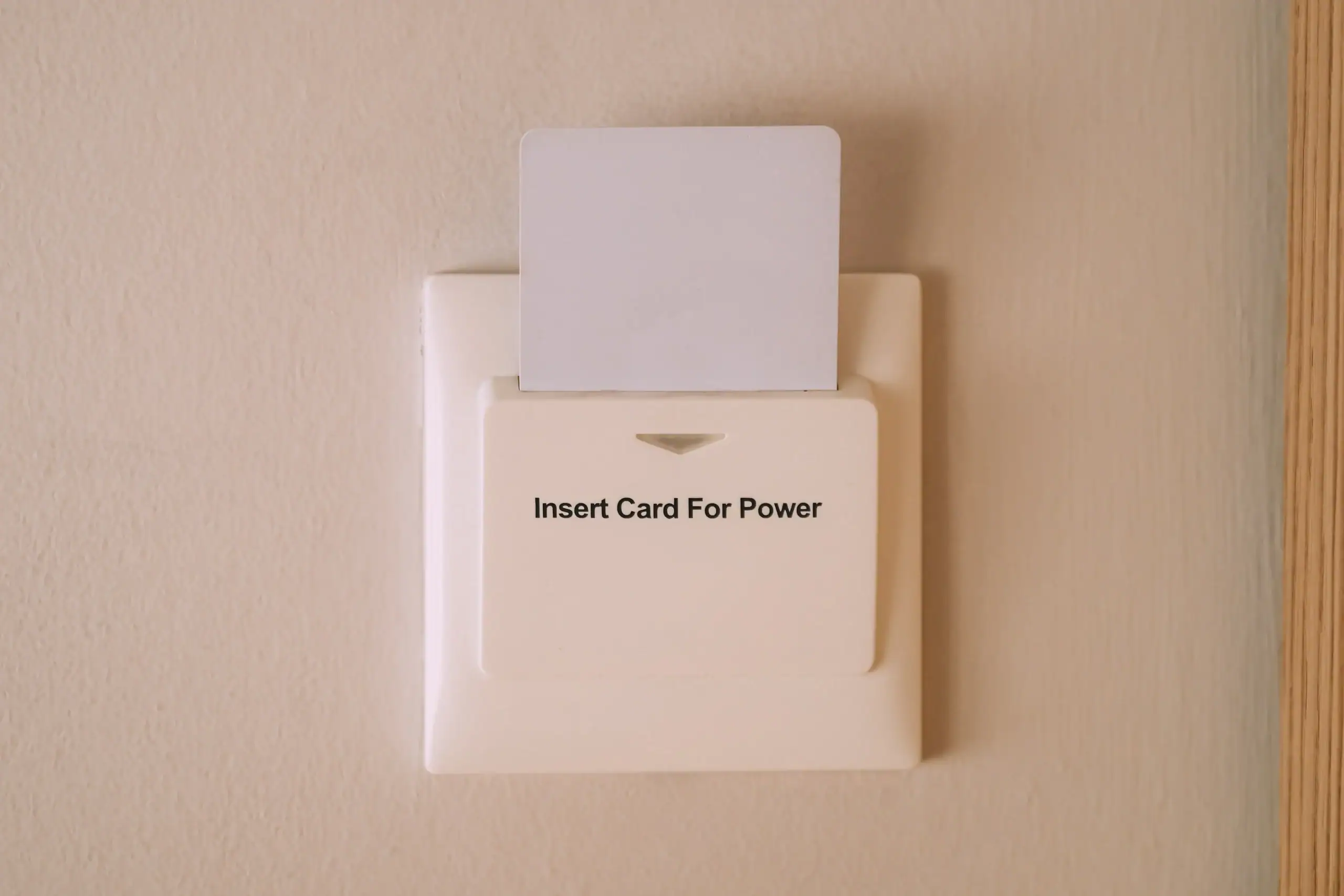
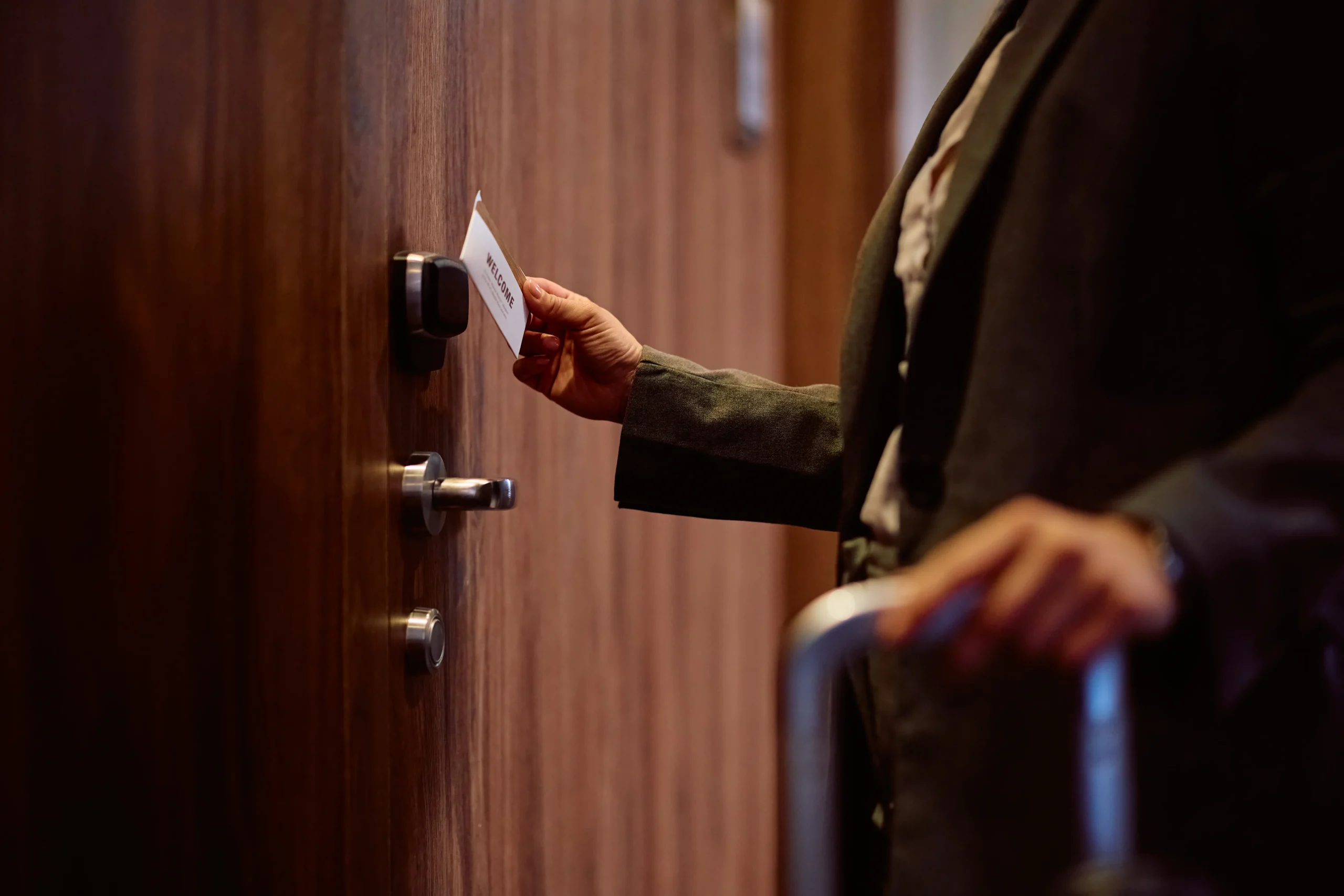
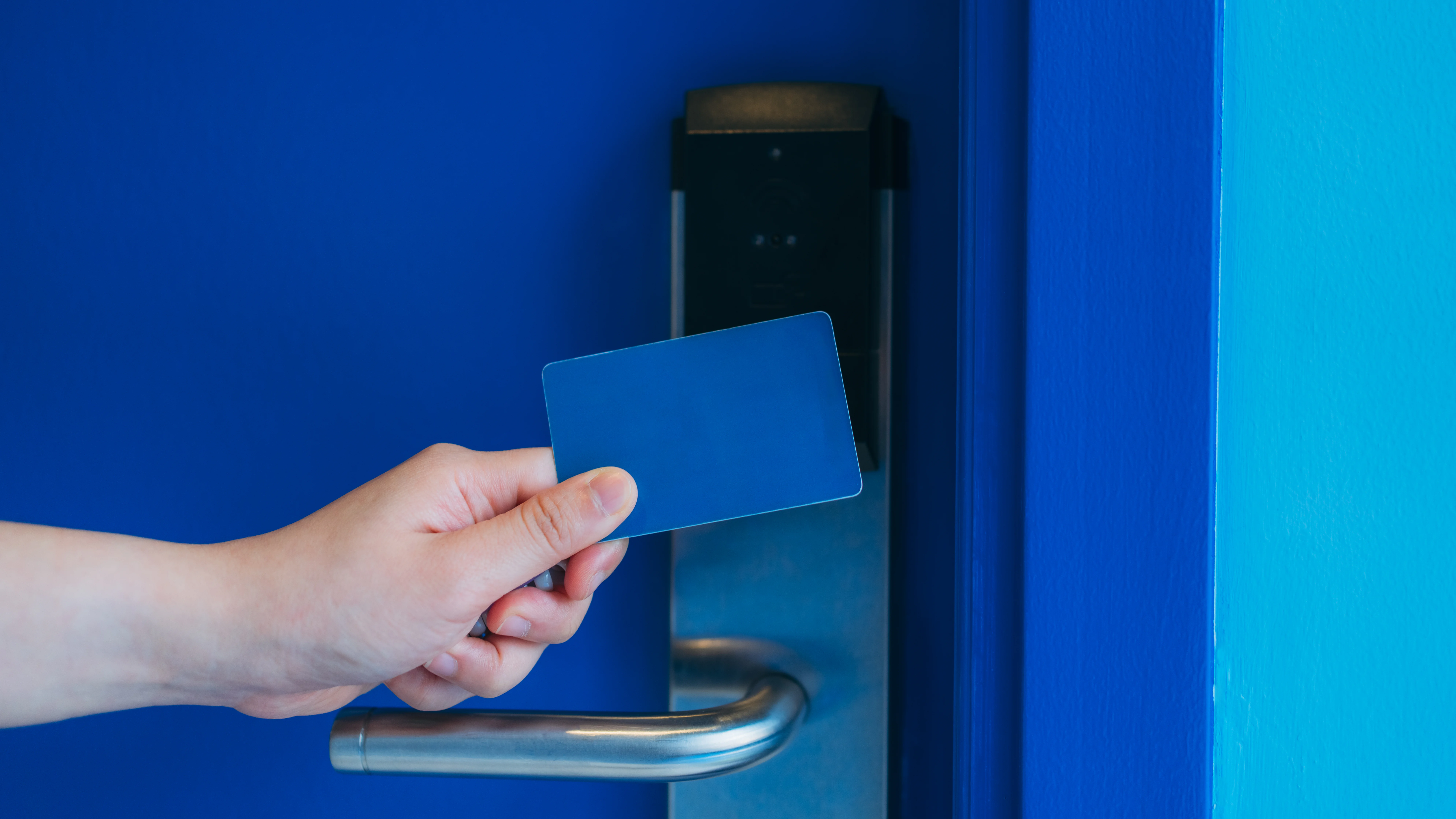

Your system includes card readers or keypads at designated entry points, an access control panel that manages permissions, and software that lets you control everything from your computer or phone. You decide if you want key cards, key fobs, mobile credentials, or biometric readers.
We install electromagnetic locks or electric strikes depending on your door type and fire code requirements. Panic bars stay functional—your building still meets safety regulations. If you need integration with your existing CCTV system, we handle that too.
In Ithan and across Delaware County, we’re seeing more businesses move to cloud-based systems that don’t require on-site servers. You get automatic backups, remote access, and updates without paying for IT infrastructure. For properties with multiple buildings or locations, you manage everything from one dashboard. When someone loses a credential, you deactivate it in seconds instead of rekeying locks and hoping you got every copy.
Most single-building installations take one to three days depending on how many doors you’re securing and what infrastructure is already in place. If you’ve got network drops near your doors and clean pathways for wiring, we move faster. If we’re running new cable through finished walls or dealing with older buildings, it takes longer.
We don’t rush the job to hit a timeline. A reader that’s mounted crooked or wiring that’s barely secured will cause you problems within months. We do it right the first time, which sometimes means taking an extra day to route cables properly or waiting for a custom door prep.
You’ll have a clear timeline before we start. If something unexpected comes up during installation, we tell you immediately and explain what it means for schedule and cost.
Yes, and that’s exactly why we ask about your future plans during the initial assessment. If you’re planning to expand or you’ve got doors that might need access control down the road, we size your control panel and network infrastructure accordingly. Adding doors later is straightforward when the foundation is built right.
You’ll need additional readers, locks, and wiring for each new door, but the core system doesn’t need to be replaced. We program the new access points into your existing software and you’re controlling them the same day.
The cost to add doors later is higher than doing them all at once because we’re making a separate trip and running new wire. But it’s not prohibitively expensive, and it’s a lot smarter than outgrowing your system in two years and starting over.
Your access control system has battery backup that keeps it running during power outages. Depending on the system size and battery capacity, you’re looking at anywhere from 4 to 24 hours of operation. The doors stay locked or unlocked based on how you’ve configured fail-safe settings, and the system logs every event even when the power’s out.
If you lose internet connection, locally-managed systems keep working because the access decisions happen at the control panel, not in the cloud. Cloud-based systems cache credentials at the door level, so people with valid access can still get in. You won’t be able to make changes remotely until connectivity is restored, but your building stays secured.
When power and internet come back, the system syncs automatically. Any events that happened offline get uploaded to your activity log. You don’t lose data and you don’t need to reprogram anything.
You create temporary credentials that expire automatically. Set the start date, end date, and which doors they can access. When the time window closes, their credential stops working. No follow-up required.
This is where access control systems save you real time and risk. That contractor who’s doing work for three weeks gets a card or code that works only during that period and only at the doors they need. When the job’s done, you don’t have to remember to collect keys or change locks. The system handles it.
You can also set schedules for regular employees. Someone who works Monday through Friday from 7am to 6pm can have a credential that only works during those times. If they try to enter on Sunday at midnight, the door won’t open and you’ll get an alert. You’re not managing this stuff manually—you set the rules once and the system enforces them.
Usually, yes. Most commercial doors can be retrofitted with access control hardware without replacing the entire door or frame. We assess your existing setup during the walk-through and tell you exactly what needs to happen.
Hollow metal doors and aluminum storefront doors are straightforward. Wood doors sometimes need reinforcement depending on the lock type. Glass doors require specific hardware but they’re not a problem. The main consideration is whether your door frame can support an electric strike or if we need to use a magnetic lock instead.
If you’ve got doors that are damaged, warped, or not closing properly, we’ll point that out. Access control won’t fix a door that doesn’t latch correctly. In those cases, we recommend addressing the door issue first, then adding the electronic hardware. Otherwise you’re installing technology on a door that’s already failing, and you’ll be calling us back within months to troubleshoot problems that have nothing to do with the access control system.
You’re looking at $1,500 to $3,000 per door for a quality system, including hardware, installation, and programming. A small office with two or three doors might spend $5,000 to $8,000. Larger facilities with a dozen doors and more complex requirements can run $25,000 or more.
The wide range comes down to what you’re securing and what features you need. Basic card reader systems cost less than biometric systems. Cloud-based platforms have lower upfront costs but monthly fees. On-premise systems cost more initially but no recurring charges. Integration with existing CCTV or alarm systems adds to the total.
We give you a detailed quote after the site assessment. You’ll see exactly what each component costs and why we’re recommending it. If there are ways to phase the project or reduce scope without compromising security, we’ll tell you. We’re not here to sell you the biggest system possible—we’re here to solve your access control problems in a way that makes financial sense for your business.