
Hear from Our Customers
You’re not just locking doors. You’re protecting inventory, equipment, data, and people. When former employees keep keys or alarm codes, you’re exposed. When you can’t track who entered your facility at 2 AM last Tuesday, you’re vulnerable.
Access control systems eliminate that uncertainty. You grant access from your phone. You revoke credentials instantly when someone leaves. You pull reports showing exactly who entered which door and when.
The difference shows up fast. Fewer theft incidents because you know who’s inside. Stronger insurance positioning because you can prove security protocols. Less time managing physical keys and more time running your business. Commercial access control systems in Woodlyn give you visibility and control that traditional locks simply can’t match.
We’ve been securing businesses across Delaware County since the late 1800s. Tom McCausland and his daughter Chrissy run the largest locksmith operation in the Delaware Valley from our Prospect Park location, just minutes from Woodlyn.
That longevity matters when you’re installing building access control systems. We’ve seen security evolve from basic locks to biometric systems and mobile credentials. We know which manufacturers deliver and which create headaches down the road.
Woodlyn businesses deal with the same security challenges as the rest of Delaware County—employee turnover, after-hours access needs, compliance requirements. We’ve installed door access control systems for commercial properties throughout the area, and we understand what works in this market.

We start with a free walk-through of your facility. You show us which doors need control, who needs access, and what security concerns keep you up at night. We look at your current setup, entry points, and how people actually move through your building.
Then we design a system that fits your operation. That might mean card readers at main entries, keypads for interior doors, or mobile credentials for management. We’re not pushing the most expensive option—we’re recommending what actually solves your problem.
Installation happens on your timeline. We mount readers, run wiring, connect controllers, and integrate everything with your network. You’re not dealing with a mess of cables or doors that don’t work. We test every entry point before we leave.
After installation, we program user credentials and train your team on the management portal. You’ll know how to add employees, set access schedules, and pull entry logs. If you hit a snag, you call us—same team that did the install.
Ready to get started?
Business access control systems in Woodlyn need to handle real-world conditions. That means weather-resistant readers for exterior doors, systems that work during internet outages, and credentials that don’t fail when you need them most.
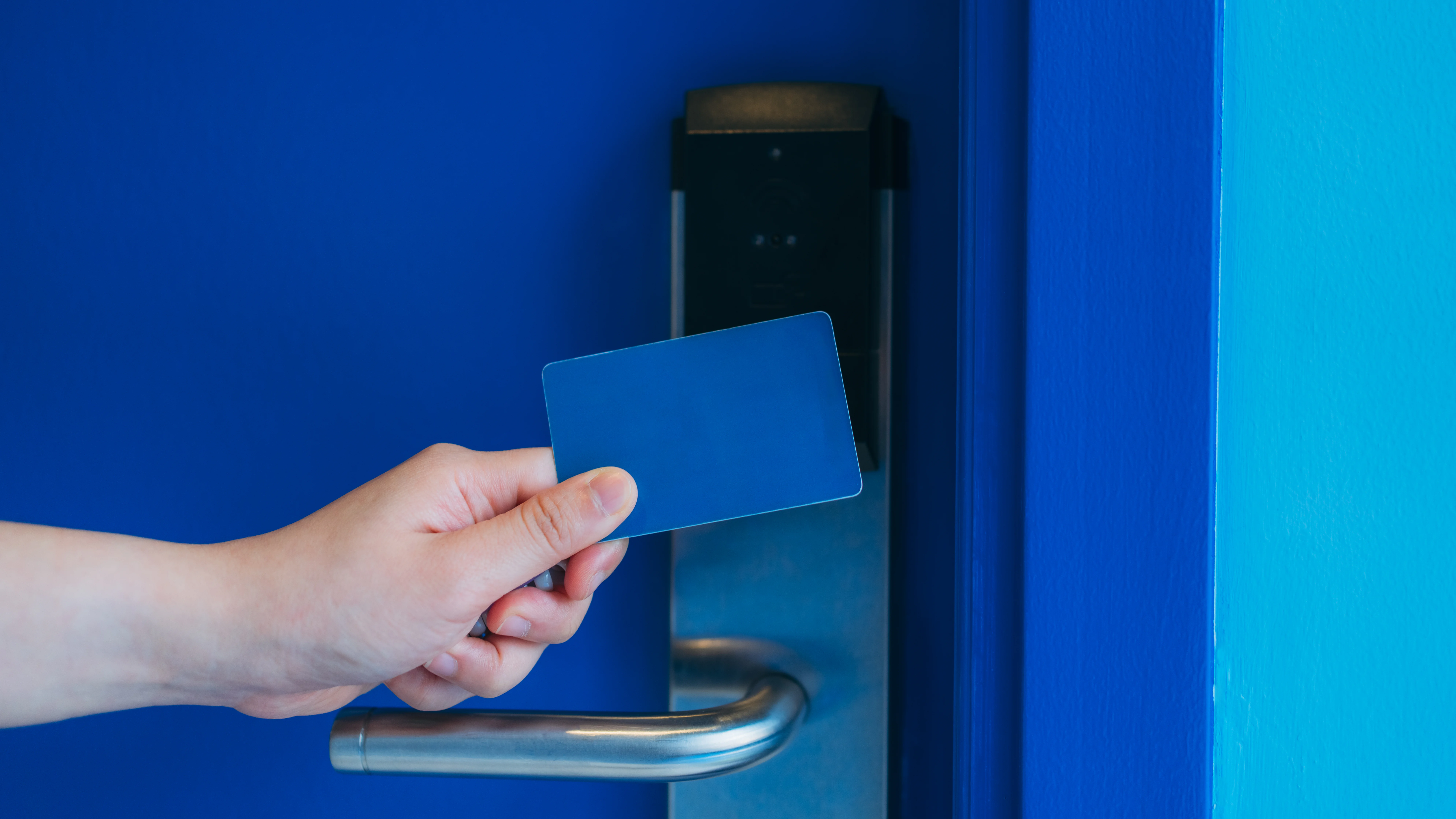
We install card-based systems for businesses that want simple, reliable access control. Proximity cards work fast—employees tap and enter. You can issue temporary cards for contractors and deactivate lost cards immediately.

Keypad systems make sense when you don’t want to manage physical credentials. You assign PIN codes, change them when needed, and eliminate the cost of replacing lost cards. Some clients combine both—cards for employees, keypads for delivery drivers or after-hours vendors.
Mobile credentials are growing in Woodlyn’s commercial sector. Employees use their phones instead of carrying another card. You manage everything through cloud software, and the system updates in real time. It’s particularly useful for businesses with multiple locations or frequent staff changes across Delaware County facilities.
Installation costs depend on how many doors you’re controlling, what type of credentials you want, and whether you need integration with existing security systems. A basic setup for a single entry point with card readers typically starts around $1,500 to $2,500. That includes the controller, reader, electric strike or magnetic lock, and installation labor.
Multi-door systems scale from there. A five-door system might run $6,000 to $10,000 depending on whether you’re using standard proximity cards or upgrading to mobile credentials and biometric readers. Cloud-based systems add monthly fees—usually $50 to $200 per month depending on user count and features.
The real cost comparison isn’t against doing nothing. It’s against what you’re losing now—stolen inventory, liability exposure, time spent managing keys. Most Woodlyn businesses see ROI within the first year through reduced theft and better operational control.
Yes, and that integration is where access control becomes significantly more valuable. When your door readers, cameras, and alarm system communicate, you get a complete picture of building security instead of three separate tools.
Here’s what integration looks like in practice: Someone badges in at 6 AM. The access control system unlocks the door, disarms that zone on your alarm panel, and triggers your camera to record that entry. If someone tries to enter without valid credentials, the door stays locked, the alarm activates, and you get an alert with video footage.
We work with most major camera and alarm systems already installed in Delaware County commercial buildings. The integration happens at the controller level—your systems share data through a common platform or API connection. You manage everything from one dashboard instead of logging into multiple systems to piece together what happened.
Good access control systems have backup protocols for both scenarios. Most controllers include battery backup that keeps the system running for 4 to 8 hours during power outages. That means doors stay secured and credentials still work even when the lights are off.
Internet outages are handled differently depending on your system type. Cloud-based systems store credential data locally on the controller, so doors continue operating normally—you just can’t make changes or view reports until connectivity returns. On-premise systems aren’t affected at all since they don’t rely on internet for basic operation.
The bigger question is what happens to the doors themselves during power loss. We typically install electric strikes or magnetic locks in “fail-secure” mode for exterior doors—they stay locked without power. Interior doors or emergency exits use “fail-safe” mode—they unlock during power loss for safety compliance. We configure this during installation based on your building codes and security requirements.
This is exactly why businesses switch from keys to access control. When an employee leaves, you log into your management portal and deactivate their credential in about 30 seconds. That card or PIN stops working immediately—no lock changes, no wondering if they made copies.
Lost credentials work the same way. Employee reports a lost card, you deactivate it, issue a new one. The old card becomes useless even if someone finds it. You can also set credentials to automatically expire—useful for contractors or temporary staff who only need access for specific projects.
The management portal also lets you adjust access schedules without touching hardware. Maybe your warehouse manager needs 24/7 access but regular staff only need entry during business hours. You set those parameters per person or per group. When responsibilities change, you update permissions digitally instead of collecting and reissuing keys.
Access control systems need less maintenance than most commercial equipment, but they’re not install-and-forget. Card readers on exterior doors should be checked annually for weather damage or wear. Controllers need firmware updates periodically to patch security vulnerabilities and add features.
Cloud-based systems handle most updates automatically—you’ll get notifications about new features or required updates, but the platform manages the technical work. On-premise systems require manual updates, which we can handle during regular service visits or walk you through remotely.
The bigger maintenance item is user management. As your team changes, you’re adding credentials, removing old ones, and adjusting access levels. That’s not technical maintenance—it’s administrative work you handle through the portal. Most Woodlyn businesses spend 10 to 15 minutes monthly on user management unless they have high turnover.
We recommend an annual system check regardless of type. We test all readers, verify doors are locking properly, check battery backups, and review your access logs for any unusual patterns. Catching small issues early prevents bigger problems later.
Installation typically takes one to three days depending on how many doors you’re securing and how much wiring we need to run. We schedule around your business hours—most Woodlyn commercial clients prefer installation during evenings or weekends to avoid disrupting operations.
Each door is usually down for 2 to 4 hours while we mount hardware and run connections. We complete one door at a time so you’re never locked out of your building. If a particular entrance absolutely can’t be offline during business hours, we work around it or stage the installation across multiple visits.
The bigger disruption is usually training and adjustment. Your team needs to learn the new system—how to use credentials, what to do if they’re locked out, who to call for issues. We provide on-site training during activation and leave documentation for future reference. Most employees adapt within a few days once they realize access control is faster and easier than fumbling with keys.