
Hear from Our Customers
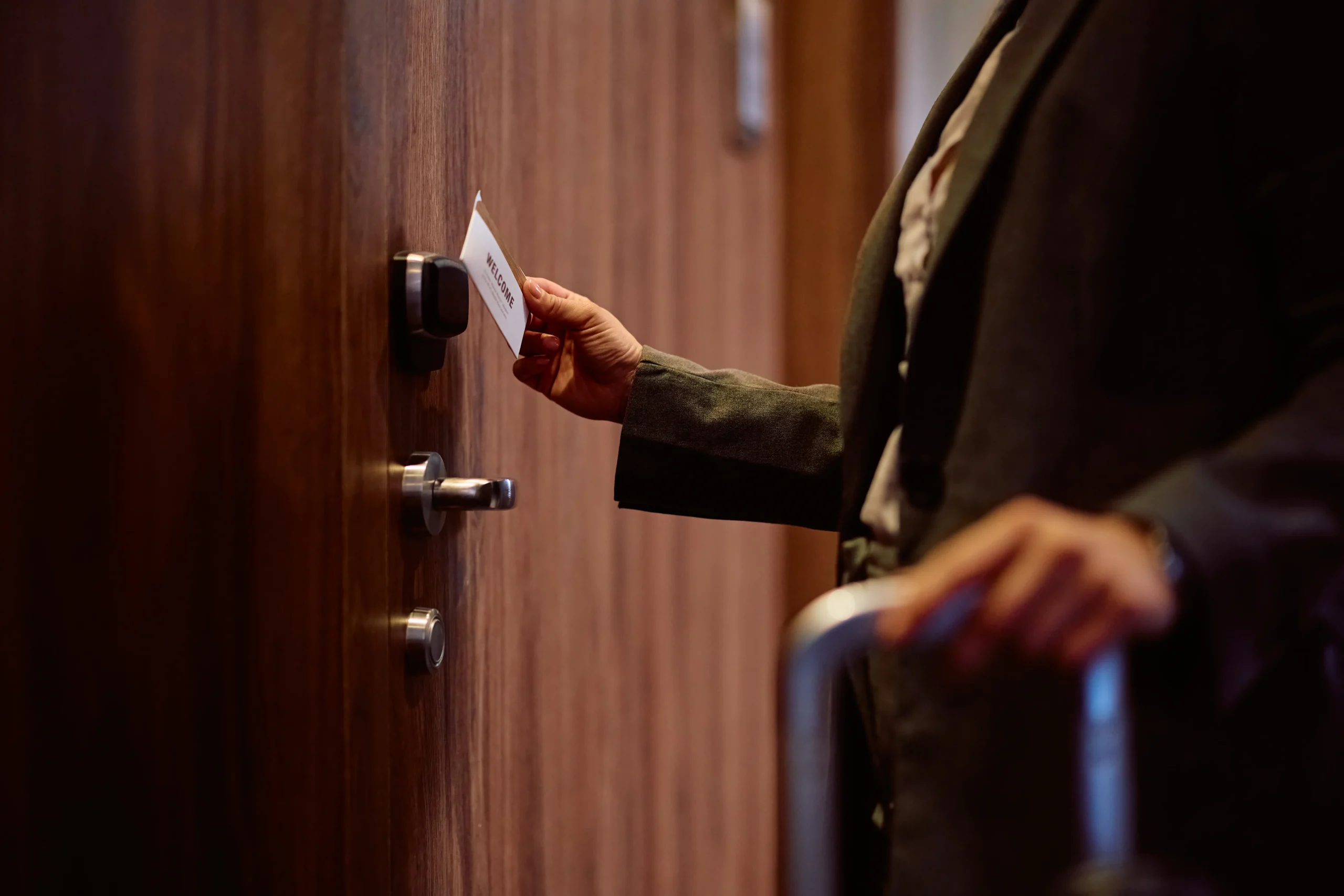
When you install a modern access control system, you stop dealing with the constant cycle of rekeying locks every time an employee leaves or a key goes missing. You get a system that lets you add or remove access with a few clicks, not a locksmith visit.
Your building becomes easier to manage. No more wondering if that contractor still has a copy of your key from six months ago. No more emergency calls at 6 AM because someone got locked out and the only person with a key is on vacation.
You’ll see exactly who entered your building and when. That audit trail matters when something goes wrong or when you need to verify who was on-site during specific hours. The system tracks everything automatically, so you’re not relying on memory or sign-in sheets that people forget to use.
We’ve been handling security in Delaware County since the late 1800s. We’re now on our fourth generation, with Tom McCausland and his daughter Chrissy running operations from our fully stocked Prospect Park location.
We’re the largest locksmith company in the Delaware Valley because we’ve earned it. Businesses across Swarthmore and the surrounding area come to us when they need access control systems that actually work, installed by people who understand both the old-school locksmithing fundamentals and the new technology.
We’re authorized to service Kwikset, Medeco, and Schlage systems. That means when you need parts, support, or repairs, you’re getting manufacturer-approved service from technicians who know these systems inside and out.
First, we come to your building in Swarthmore and walk through it with you. We’re looking at your doors, your traffic patterns, and where you actually need controlled access. Not every door needs the same level of security, and we’ll tell you that honestly.
We’ll discuss what type of system makes sense for your situation. Card readers work great for some businesses. Biometric systems make sense when you need higher security or want to eliminate cards entirely. Keypad systems are solid for areas where multiple people need access but you want to avoid managing physical credentials.
Once you approve the plan, we schedule the installation. Our technicians show up with everything needed to complete the job without tearing up your doorframes or making a mess of your walls. We mount the hardware, run the wiring, program the system, and test every access point before we leave.
After installation, we show you how to manage the system. Adding users, removing access, pulling reports – you’ll know how to handle the daily tasks. And when something breaks or you need to expand the system later, we’re a phone call away.
Ready to get started?
You’re getting a complete access control system designed for your specific building layout. That includes the door hardware, card readers or biometric scanners, the control panel that manages everything, and the software interface you’ll use to manage access.
We install systems that integrate with your existing security setup if you already have cameras or alarm systems in place. Most of our Swarthmore clients want everything talking to each other, and we make that happen without forcing you to replace equipment that’s still working fine.
The system comes with training for whoever will be managing it day-to-day. We don’t just hand you a manual and disappear. You’ll know how to add new employees, deactivate lost cards immediately, and pull access reports when you need them.
You also get ongoing support from a local company that’s been in Delaware County for over 140 years. When you call with a problem, you’re talking to people who installed your system and know your building. We’re not routing your call to a national call center that has no idea who you are.

The cost depends entirely on how many doors you’re securing and what type of system you choose. A basic card reader system for two or three doors might run a few thousand dollars. A complete building access control system with biometric readers, integration with existing security cameras, and cloud-based management can cost significantly more.
Most Swarthmore businesses we work with spend between $3,000 and $15,000 for a complete installation. That includes the hardware, installation labor, programming, and initial training. You’ll also have ongoing costs if you choose a cloud-based system that charges monthly fees, though those are typically under $100 per month for small to mid-sized operations.
The real question isn’t just the upfront cost – it’s what you’re spending now on rekeying locks, replacing lost keys, and dealing with security issues that could be prevented. Most of our commercial clients find the system pays for itself within two years just from eliminated rekeying costs and improved security.
Yes, and that’s actually one of the most valuable things you can do. When your access control system talks to your cameras, you get video footage automatically tagged with access events. You can see exactly who badged in at 2 AM and pull up the corresponding video without scrubbing through hours of footage.
Integration with alarm systems means you can set rules like “if someone opens this door without badging in, trigger an alarm” or “automatically disarm the alarm when the first authorized person arrives in the morning.” That eliminates the fumbling with alarm codes while you’re carrying boxes or coffee.
We work with most major camera and alarm systems already installed in Swarthmore commercial buildings. During our initial walkthrough, we’ll look at what you have and tell you exactly what’s possible. Some older systems have limitations, and we’ll be straight with you about that rather than promising integration that won’t work properly.
Most commercial access control systems have battery backup that keeps them running for several hours during a power outage. The exact duration depends on the system size and battery capacity, but you’re typically looking at 4-8 hours of operation without power.
If the system completely fails, most door access control systems default to one of two modes: fail-secure (door stays locked) or fail-safe (door unlocks). Which mode your doors use depends on fire code requirements and the specific door’s purpose. Exit doors almost always fail-safe so people can get out during emergencies. Secure areas typically fail-secure to maintain protection.
When you have a system problem, you call us directly. We’re based in Prospect Park, about 15 minutes from Swarthmore, and we keep the parts for systems we install in stock. For emergency situations where you’re completely locked out or have a security breach, we typically arrive within 20-30 minutes. For non-emergency service calls, we schedule within 24-48 hours.
With a modern access control system, you can add or remove access in under two minutes from any computer or smartphone connected to the system. When you hire someone, you create their profile, assign which doors they can access, set their schedule if needed, and issue their credential. When someone leaves, you deactivate their access immediately – no waiting for them to return keys or wondering if they made copies.
This is the biggest operational advantage over traditional keys. When an employee leaves on bad terms, you’re not rushing to rekey locks before they might come back. You delete their access while they’re sitting in the exit interview, and their card stops working instantly.
You can also do temporary access easily. Contractors, cleaning crews, or temporary employees can get credentials that automatically expire after a set date. You can restrict access to business hours only, so even if someone has a valid card, it won’t work at 2 AM unless you’ve specifically allowed after-hours access for that person.
It depends on which type of system you choose. Traditional on-premise access control systems store everything locally and don’t require internet to function. You manage them from a computer on your local network, and they keep working even if your internet goes down. The downside is you can only manage them from that specific computer, and you’re responsible for backing up the data.
Cloud-based access control systems need internet connectivity to sync data and allow remote management. The advantage is you can manage access from anywhere, get automatic backups, and receive instant notifications on your phone when specific events happen. Most cloud systems cache credentials locally, so if your internet drops temporarily, people can still get in using their existing access – you just can’t make changes until connectivity returns.
For most Swarthmore businesses, we recommend cloud-based systems unless you have specific security requirements that mandate keeping everything on-premise. The convenience of managing access from your phone and getting real-time alerts usually outweighs the minor dependency on internet connectivity, especially since internet outages are relatively rare and brief these days.
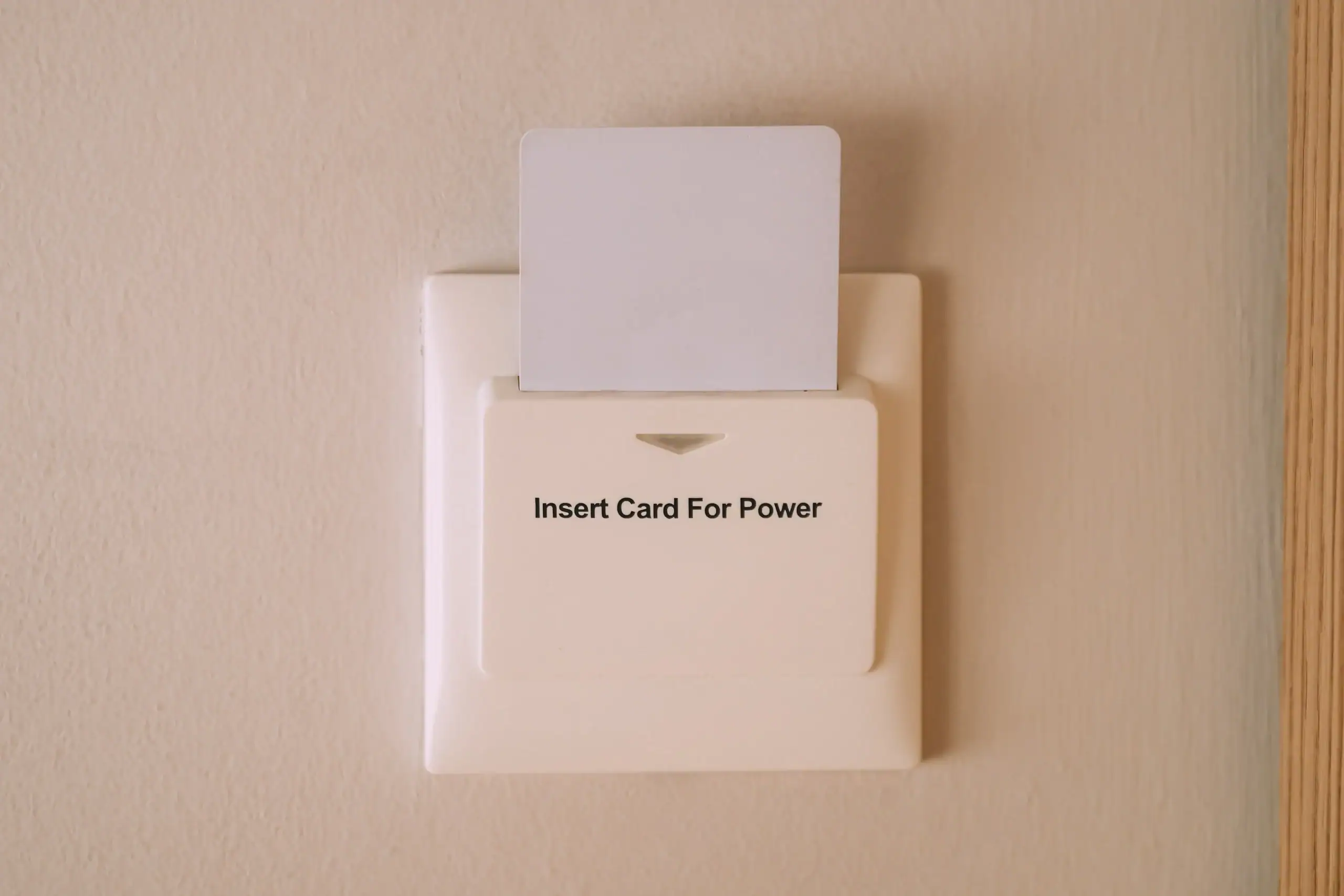
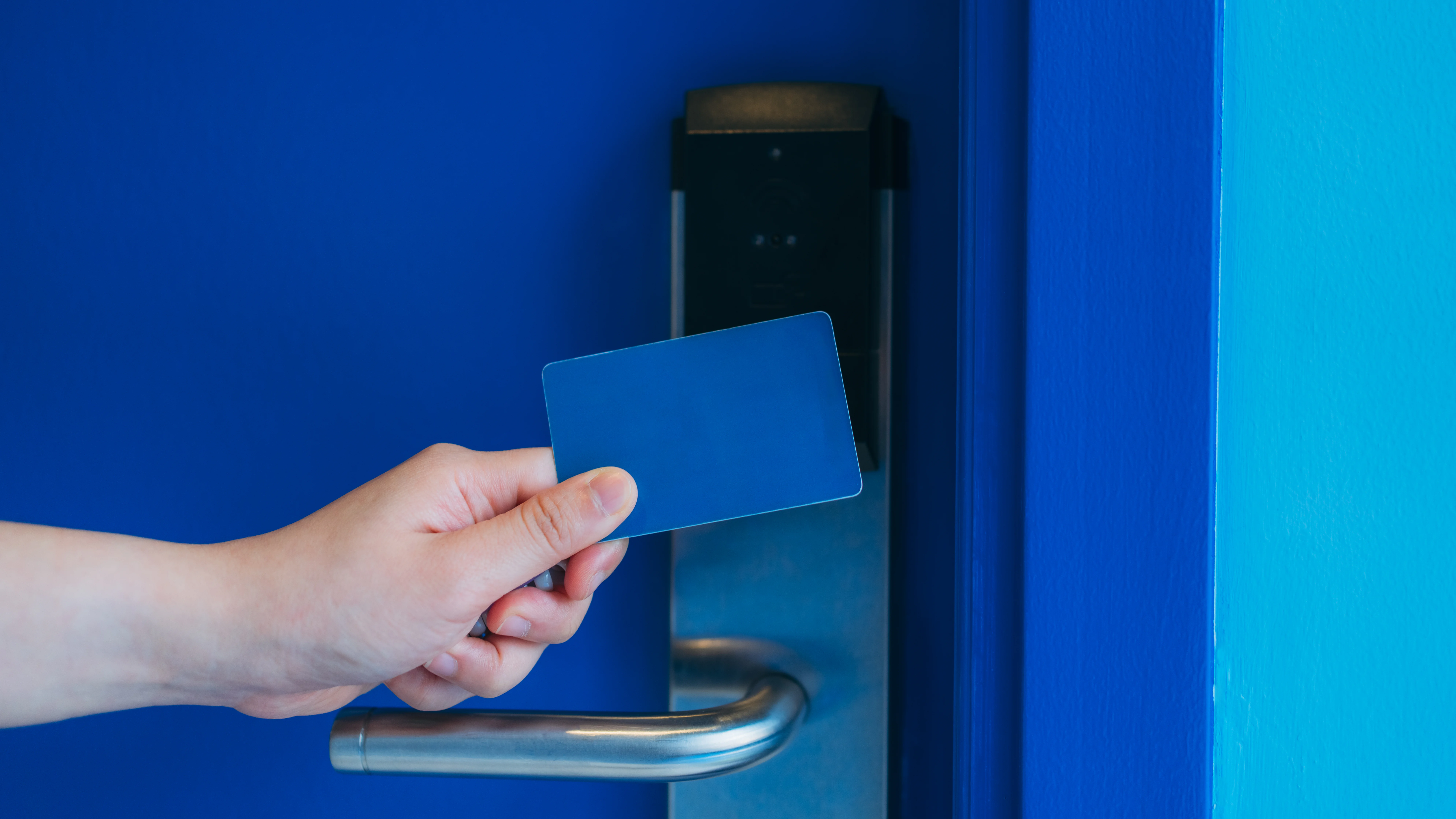
Card readers require employees to carry a physical card or key fob. They’re reliable, inexpensive, and easy to replace if someone loses their card. The downside is people forget them, lose them, or sometimes share them with others. Cards work well for most commercial buildings where convenience matters more than maximum security.
Keypads require users to enter a code to gain access. They eliminate the need to carry anything, but people tend to share codes or write them down in obvious places. Codes also don’t tell you who specifically entered – just that someone who knows the code got in. They’re best used in combination with other methods or for areas where you need simple access control without tracking individuals.
Biometric systems use fingerprints, facial recognition, or other physical characteristics. Nobody can lose, share, or forget their fingerprint. You get definitive proof of who accessed what and when. They cost more upfront and some people have concerns about privacy or hygiene with fingerprint readers. We install biometric systems in Swarthmore businesses where security is critical – medical offices with controlled substances, businesses with valuable inventory, or anywhere you need absolute certainty about who entered.