
Hear from Our Customers
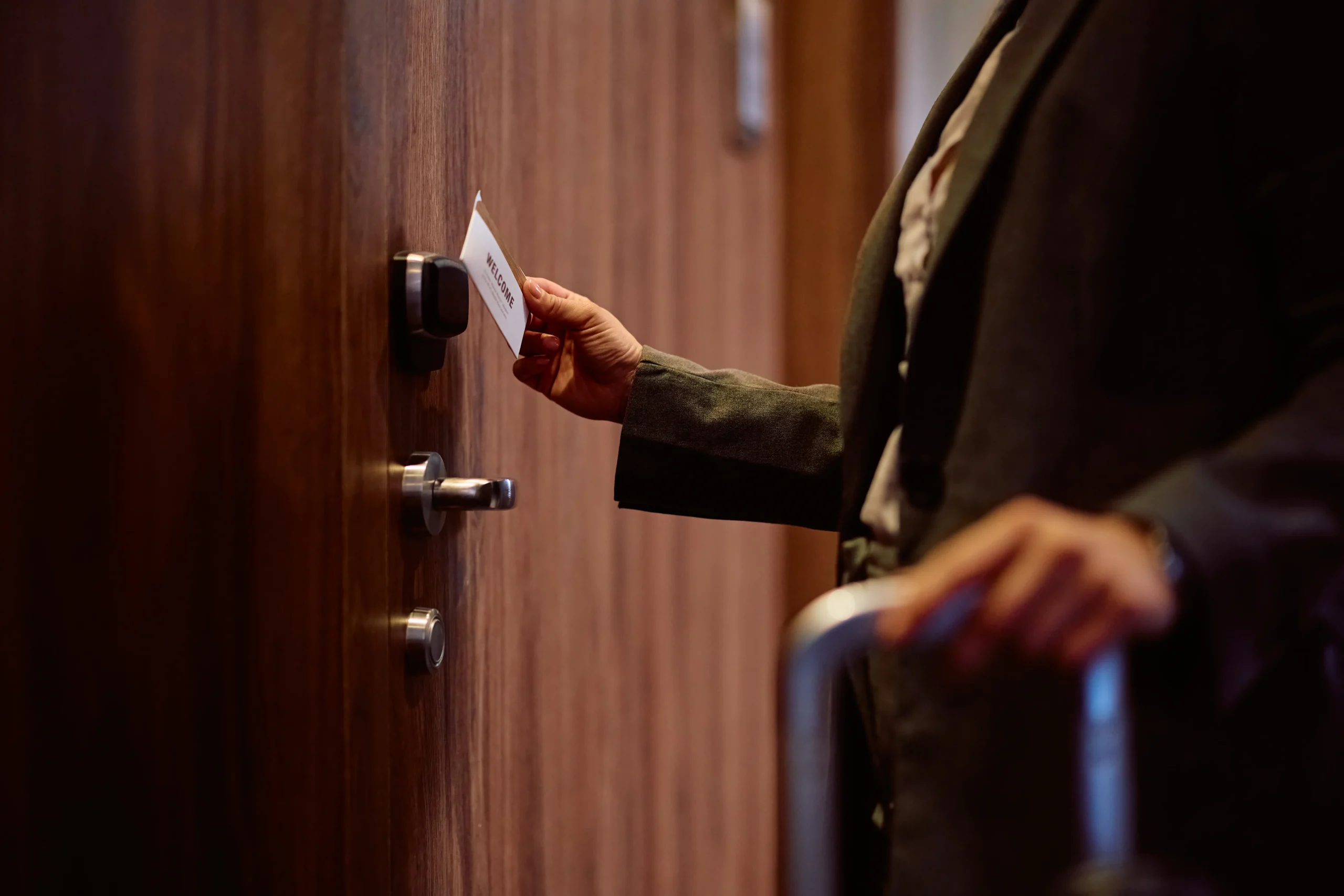
You’re not just locking doors anymore. You’re managing access for employees who work different shifts, contractors who need temporary entry, and delivery drivers who show up after hours. Traditional keys can’t handle that complexity without creating security gaps.
Access control systems let you grant and revoke access instantly from your phone. Someone quits on Friday? Their credentials stop working before they leave the parking lot. Need to let a vendor in at 6 AM on Saturday? Create a time-limited code that expires when the job’s done.
The real value shows up in what doesn’t happen. No more rekeying locks when keys go missing. No emergency locksmith calls because someone forgot theirs. No wondering if that former employee still has a way in. You get a digital record of every entry, so if something goes wrong, you know exactly when it happened and who was there.
We’ve been handling security in this area since the late 1800s. We’re not a franchise or a call center operation. We’re a family business now run by fourth-generation locksmith Tom McCausland and his daughter Chrissy, operating out of Prospect Park.
Lima businesses need security that works with their reality. Many of you are in healthcare, finance, or education—sectors where access control isn’t optional. You’re protecting patient records, financial data, or students. The median household income here sits around $67,560, which means you’re running tight operations where a $40,000 rekeying project or constant locksmith callouts aren’t in the budget.
We’ve grown into the largest locksmith operation in the Delaware Valley because we show up, we know what we’re doing, and we don’t overcomplicate things. When you call, you get someone who’s been doing this work in your neighborhood for over a century.
We start with a free walk-through of your property. You show us which doors need control, who needs access, and what your concerns are. We’re looking at door types, existing hardware, network setup, and how people actually move through your building during a normal day.
Then we recommend a system that fits your situation. If you’ve got one entrance and ten employees, that’s a different setup than a multi-building campus with shift workers and contractors. We explain what each option does, what it costs, and why it makes sense for your specific layout.
Installation happens on your schedule. We mount readers, run wiring if needed, integrate with your network, and program the system with your access rules. Most single-door installations finish in a few hours. Larger projects get staged so you’re never completely locked down during the work.
Before we leave, you get a full walkthrough of how to add users, set schedules, pull reports, and handle common situations. If your system is cloud-based, you’ll manage it from your phone. If it’s on-premise, we’ll show you the software interface. Either way, you’re not dependent on us for basic changes.
Ready to get started?
Your access control system includes the physical hardware—card readers, keypads, or biometric scanners mounted at each controlled entry. We install electric strikes or magnetic locks that integrate with your existing doors, plus the control panel that manages everything.
You get the software platform where you create user credentials, set access schedules, and monitor entry logs. Some businesses in Lima prefer cloud-based systems they can manage from anywhere. Others want everything on their own network. Both work, and we install either.
We use OEM parts from manufacturers like HID Global, Salto, and Paxton. These aren’t consumer-grade components that fail in six months. They’re designed for commercial use where doors get opened hundreds of times daily. The readers can handle key cards, fobs, smartphone credentials, or PIN codes—whatever makes sense for how your people work.
Integration matters in Lima’s business environment. If you’re in healthcare or education, your access system likely needs to work with existing security cameras, alarm systems, or visitor management software. We handle those connections so everything talks to each other instead of creating separate systems you have to monitor independently.
The installation includes programming your initial user database and access rules. We don’t just mount hardware and leave. You’ll have a working system with your employees already in it, doors unlocked during business hours, and restricted access set up for sensitive areas.

Expect to pay between $2,300 and $5,000 per door for a complete commercial access control setup in Pennsylvania. That includes the reader hardware, electronic lock, control panel, software, and installation labor.
A single-door system for a small Lima business typically runs $2,500 to $3,500. If you’re controlling three to five doors, the per-door cost drops because you’re sharing one control panel and software platform across multiple entry points. A five-door system might run $10,000 to $15,000 total.
The cost makes more sense when you compare it to traditional key management. Rekeying one lock costs $50 to $150. If you’ve got 20 doors and an employee loses their keys, you’re looking at $1,000 to $3,000 just for that one incident. Do that twice, and you’ve paid for an access control system that eliminates the problem permanently. Emergency locksmith visits average $163 in this area, and those add up fast when someone gets locked out after hours.
Cloud-based systems have lower upfront costs but charge monthly fees, usually $50 to $100 per door. On-premise systems cost more initially but have no recurring software fees. Which makes sense depends on whether you’d rather pay over time or own the system outright.
Yes. Most commercial doors in Lima can be retrofitted with access control without replacing the door, frame, or existing lockset. We add an electric strike or magnetic lock that works with your current hardware.
Electric strikes replace the strike plate in your door frame. When someone presents valid credentials, the strike releases and lets them push the door open. The existing lockset stays in place, so you can still use physical keys as a backup if needed. This works well for standard commercial doors and keeps costs down.
Magnetic locks mount at the top of the door frame and hold the door shut with electromagnetic force. They’re common in glass doors or situations where you can’t easily modify the frame. When credentials are verified, the magnet releases for a few seconds. These are simple to install and extremely reliable, but they require a power source and usually a push-button release on the inside for fire code compliance.
If you’ve got really old doors or non-standard hardware, we’ll tell you during the walk-through. Sometimes a door is in such rough shape that access control isn’t the right first step—you need the door fixed or replaced before adding electronics. But that’s rare. Most existing commercial doors in decent condition work fine with access control retrofits.
Access control systems have built-in fail-safes. Most use battery backup that keeps the system running for 4 to 8 hours during a power outage. If the backup dies, the system defaults to either “fail-secure” or “fail-safe” mode depending on how we program it and what fire codes require.
Fail-secure means the doors stay locked when power is lost. This makes sense for areas with high-value inventory or sensitive data. You’d use physical keys to get in during an extended outage. Fail-safe means doors unlock when power is lost, which is required for primary exits and any door along a fire egress route. Life safety always overrides security.
Cloud-based systems need internet connectivity to manage users and pull reports, but the door readers store credentials locally. If your internet goes down, people can still get in using their current cards or codes. You just can’t add new users or change permissions until connectivity returns. On-premise systems don’t have this issue since everything runs on your local network.
We install systems with redundancy in mind. If you’ve got multiple doors, we don’t put them all on one control panel. If something fails, you’re not completely locked out. And we’re local—if you call with a system problem, we’re typically on-site within 20 to 30 minutes, not waiting on a national service contract to dispatch someone from two states away.
You add or remove users directly in the software, usually in under a minute. Cloud-based systems let you do this from your phone. On-premise systems use software installed on your office computer. Either way, changes take effect immediately.
When you hire someone, you create their profile, assign their credential (card number, fob, or PIN code), and set which doors they can access and when. If they’re a 9-to-5 office employee, their card works Monday through Friday during business hours. If they work second shift or need weekend access, you adjust the schedule. If they only need access to certain areas, you restrict them to those specific doors.
When someone leaves, you delete their profile or deactivate their credential. It stops working instantly across all doors. You don’t collect keys, you don’t rekey locks, you don’t worry about copies. Their card or code just stops opening doors. If they try to use it, the system logs the attempt, and you get an alert if you’ve set that up.
For temporary access—contractors, cleaners, seasonal workers—you create credentials with expiration dates. The system automatically deactivates them when the time period ends. You can also create one-time codes for deliveries or service calls. Someone uses it once, then it’s dead. This eliminates the “I’ll just prop the door open” problem that creates security gaps.
Yes, and integration is one of the biggest advantages of modern access control. When your access system, cameras, and alarms talk to each other, you get a complete picture of what’s happening instead of checking three separate systems.
The most common integration links access control with video surveillance. When someone badges in, the system triggers the nearest camera to record. If there’s an unauthorized access attempt, you get video of who tried and when. This is especially valuable for Lima businesses in healthcare or education where you need documentation for compliance or incident investigation.
Alarm system integration lets you automate arming and disarming based on who’s present. The last person to leave badges out, and the system arms automatically. The first person in the morning badges in, and the alarm disarms for their specific credential. You’re not giving everyone the alarm code or wondering if someone forgot to set it.
We work with most major camera and alarm brands. If you’ve already got surveillance or an alarm system installed, we’ll check compatibility during the walk-through. Most modern systems use standard protocols that talk to each other. Older systems might need a gateway device or software bridge, which we can install. The goal is one platform where you manage everything, not five different apps and interfaces you have to check separately.
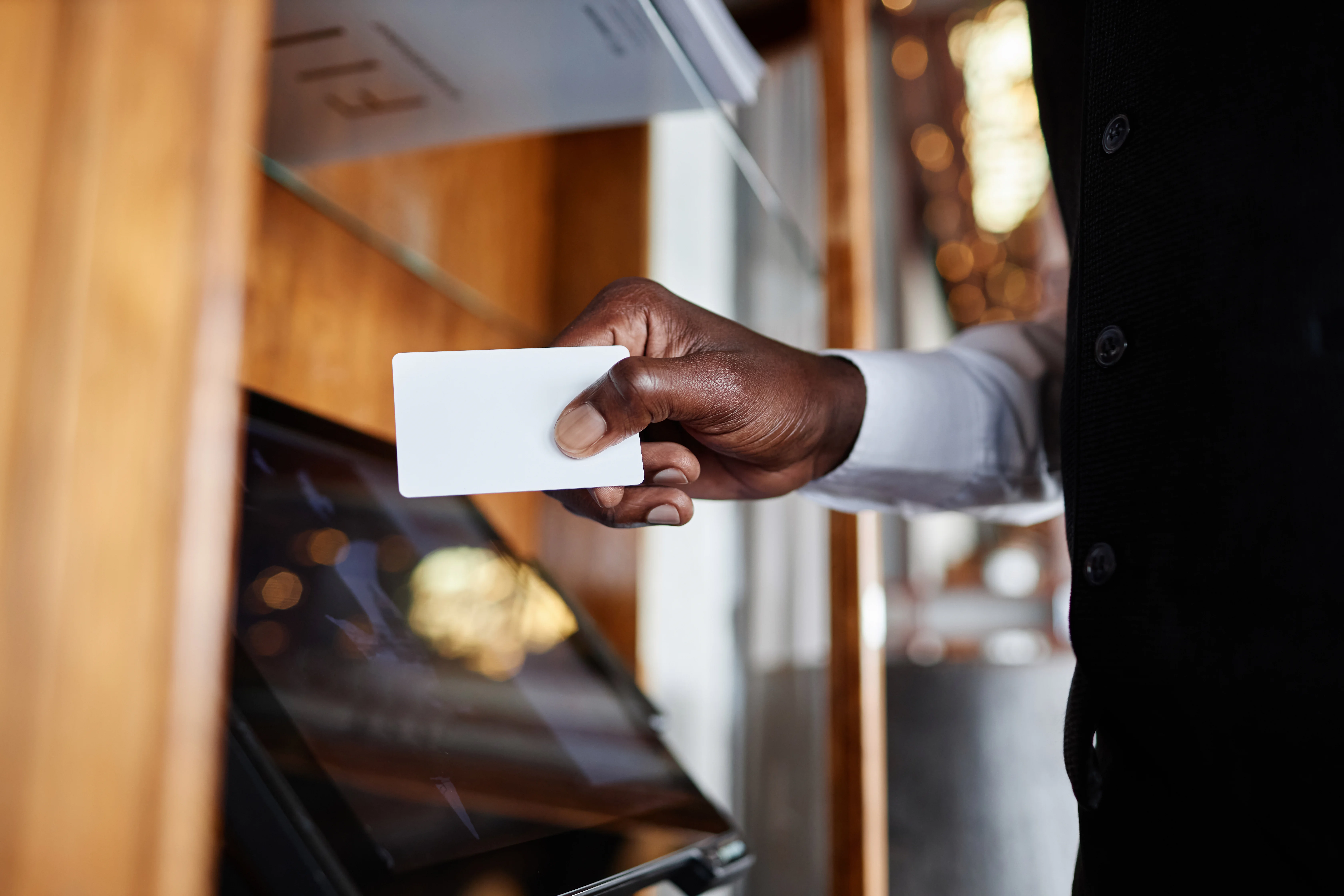
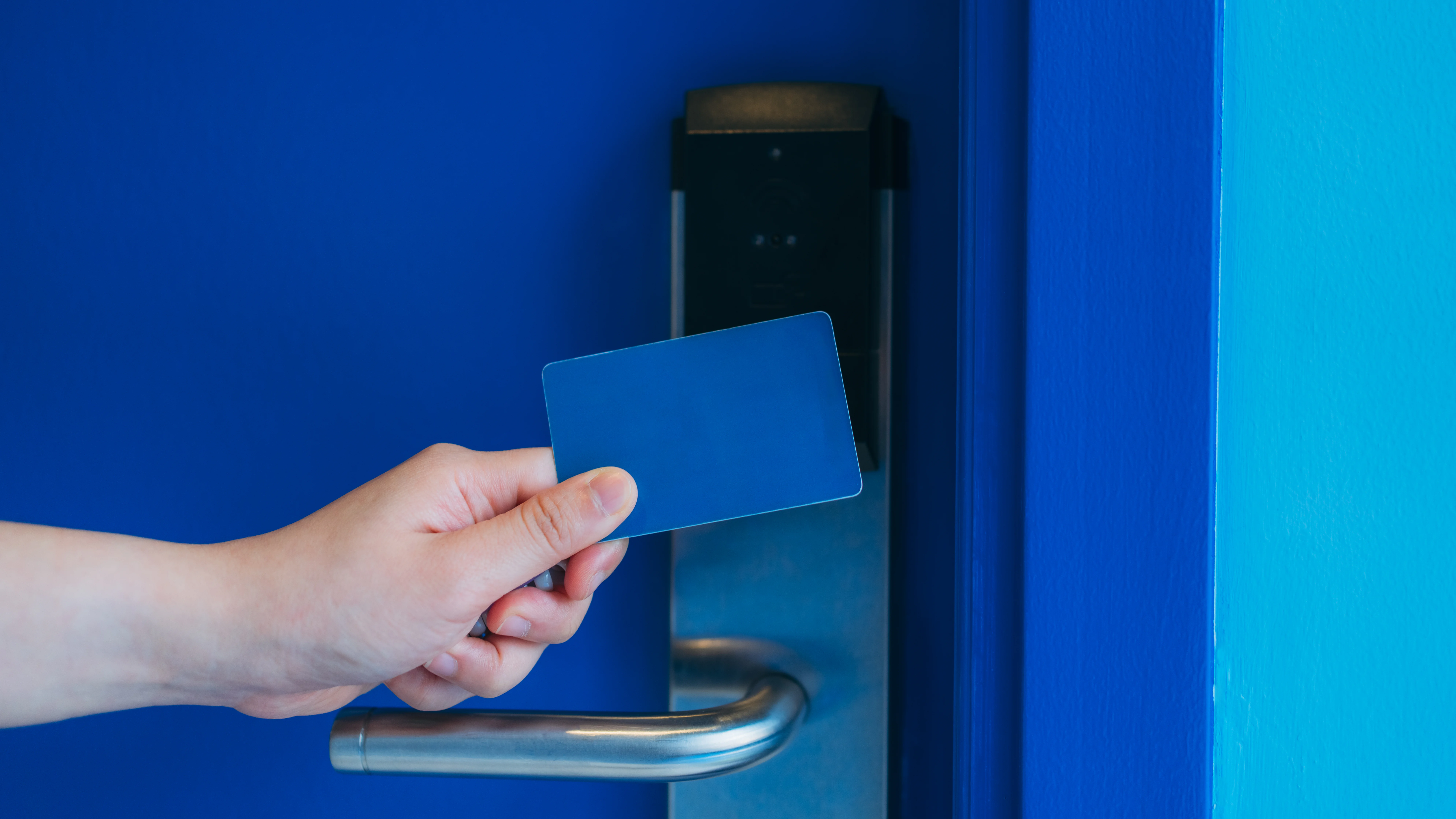
Card readers use proximity cards or key fobs that you wave near the reader. They’re fast, simple, and work well when you’ve got employees entering and exiting frequently throughout the day. Cards cost a few dollars each, they’re easy to replace if lost, and most people are familiar with how they work from using them at hotels or office buildings.
Keypads require users to enter a PIN code. They’re good when you don’t want to manage physical credentials or when multiple people share access to the same area. The downside is that PIN codes get shared, and you can’t easily track who actually entered—just that someone used that code. They work well for secondary entrances or areas where individual tracking isn’t critical.
Smartphone access uses Bluetooth or NFC built into people’s phones. Employees download an app, and their phone becomes their credential. This is increasingly popular because people always have their phones, you can’t forget them, and issuing new credentials is just sending someone an app invite. The challenge is that it requires everyone to have a compatible smartphone and keep the app updated.
Biometric readers use fingerprints or facial recognition. They’re the most secure because you can’t lose, share, or copy a fingerprint. They’re common in areas with high security requirements or where you need absolute certainty about who entered. The tradeoff is higher cost and occasional issues if someone’s hands are dirty or injured.
Most Lima businesses start with card readers because they balance cost, convenience, and security well. You can always add other credential types later. Many systems support multiple methods simultaneously—cards for most employees, PINs for contractors, smartphone access for managers.