
Hear from Our Customers
You stop paying a locksmith every time someone quits or loses a key. You revoke access from your phone in about ten seconds. Done.
Every entry gets logged automatically. You’ll know exactly who opened which door and when. If something goes missing or an incident happens, you’re not guessing—you’re looking at data.
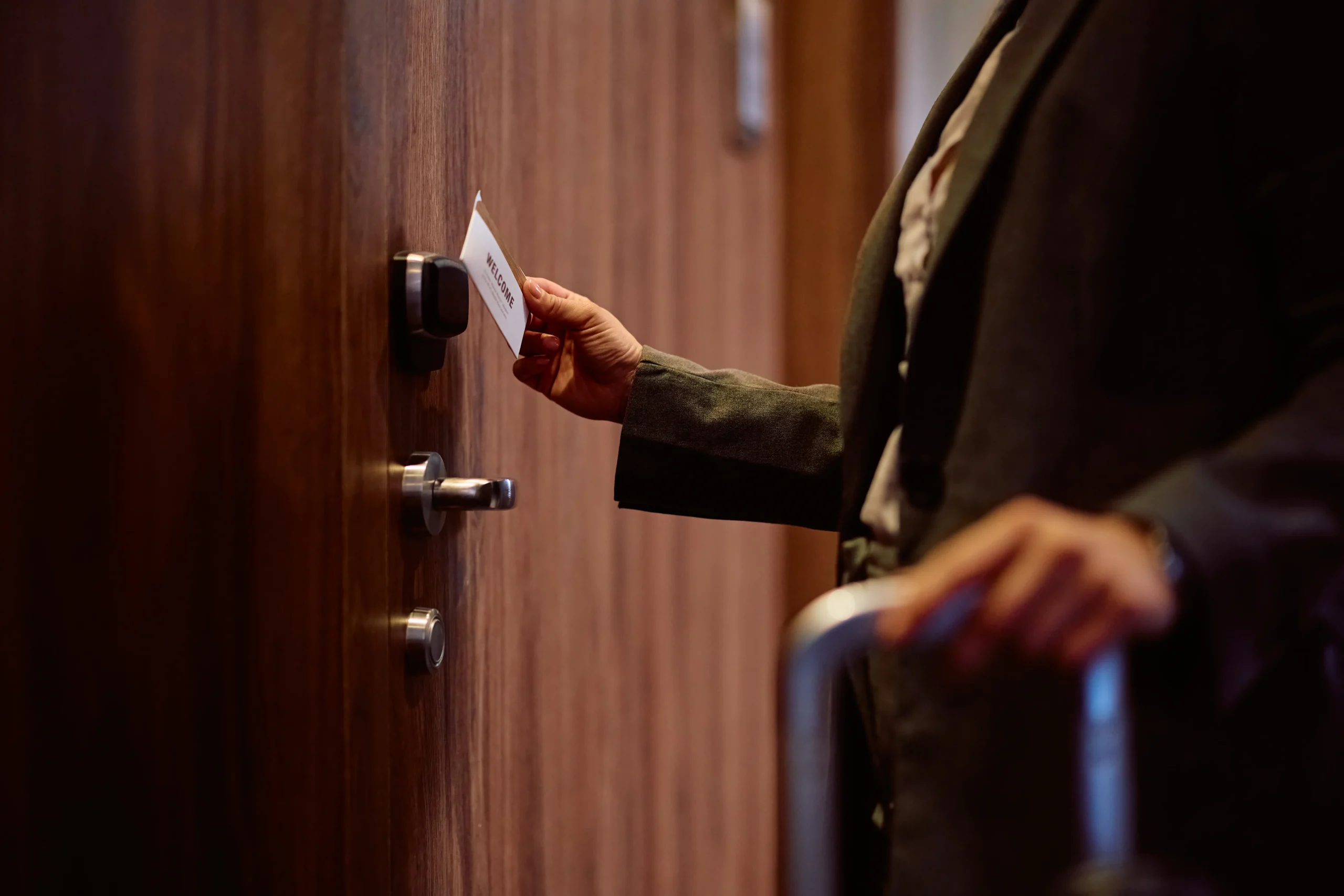
You also stop handing out physical keys that get copied, lost, or never returned. Employees use key fobs, PIN codes, or their phones. When they leave, you delete their credentials. The lock stays the same.
If you’ve got multiple locations or buildings in Upper Darby, you manage all of them from one system. You’re not driving around with a key ring or trusting someone else to lock up correctly. You can see if a door’s been left open and lock it remotely.
McCausland Lock Service is a fourth-generation locksmith company. The McCausland family started in the late 1800s, and we’re still here—now the largest locksmith operation in the Delaware Valley.
Tom McCausland and his daughter Chrissy run the business today. We’re not a franchise or a call center. We’re a real shop in Prospect Park with real inventory, real technicians, and a real understanding of how buildings in Upper Darby and Delaware County are put together—old construction, new builds, everything in between.
We install access control systems the same way we’ve handled every other security job for 140 years: we show up when we say we will, we do the work right, and we don’t upsell you on things you don’t need.
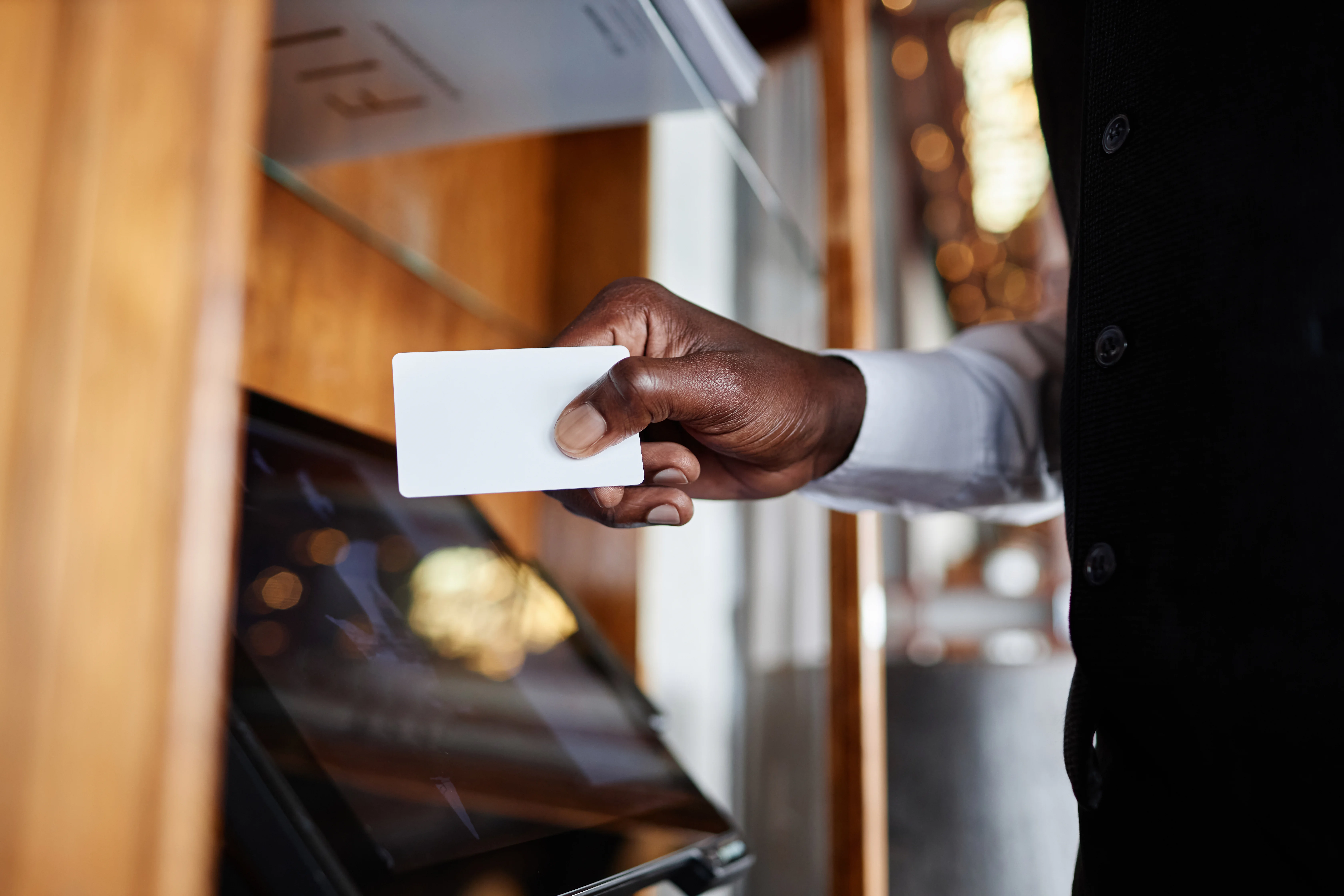
We start with a walkthrough of your building. You show us which doors need controlled access, who needs to get in where, and what your biggest headaches are right now. We’re looking at your existing locks, door hardware, and how people currently move through the space.
Then we recommend a system. Could be cloud-based if you want remote management and lower upfront cost. Could be a traditional on-premise setup if you’ve got specific security requirements or existing infrastructure. We’ll explain what each option actually does and what it costs—no jargon, no runaround.
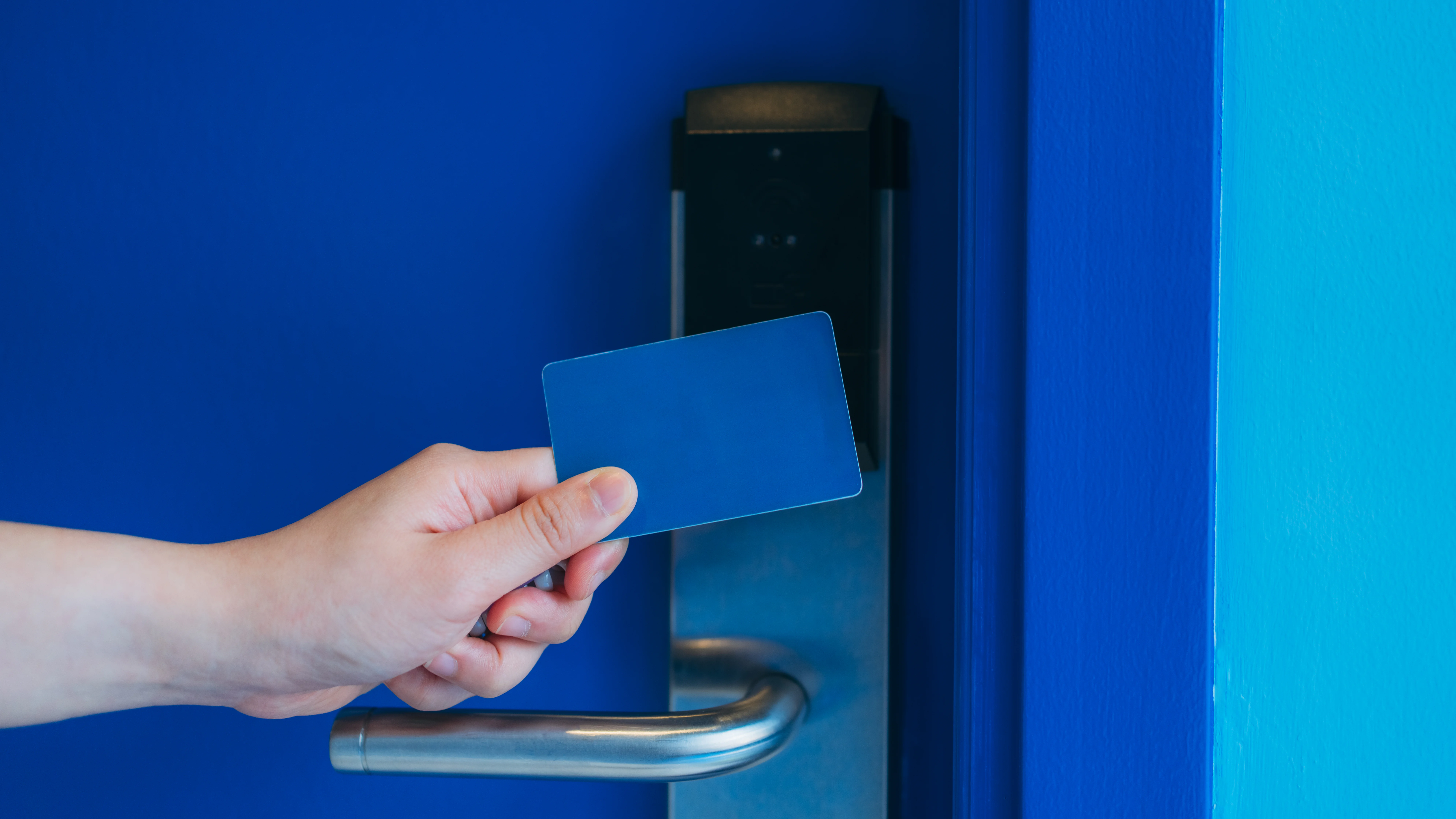
Once you approve the plan, we schedule the install. Our techs mount the card readers or keypads, wire the electronic locks, connect everything to your network or control panel, and program the credentials. If you’re integrating with cameras or alarms, we handle that too.
Before we leave, we test every door, train your team on how to add or remove users, and make sure you can actually operate the thing. You’ll have our number if something stops working or you need to make changes.
Ready to get started?
You’re getting hardware that’s built to last—authorized components from Kwikset, Medeco, and Schlage. Not the cheap stuff that fails in six months. We install electronic strikes, magnetic locks, or motorized deadbolts depending on your door type and traffic volume.
You’re also getting a control system that makes sense for your business. Small offices in Upper Darby might only need a standalone keypad system for one or two doors. Larger commercial properties usually go cloud-based so you can manage access from anywhere and add doors without overhauling the whole setup.
The system logs every entry attempt. You’ll see who swiped in, who got denied, and who propped a door open. That’s valuable when you’re trying to figure out after-hours access or just monitoring how your building gets used.
And if you’ve got delivery drivers, contractors, or clients who need temporary access, you can create time-limited credentials. They work during business hours or for a specific day, then they stop. You’re not collecting keys or wondering if someone made a copy.
Upper Darby businesses deal with a mix of old row buildings and newer construction. We’ve worked on both. We know how to retrofit access control into older doors without destroying the frame, and we know how to spec systems that’ll scale when you expand.

For a small business in Upper Darby with one or two doors, you’re looking at around $1,500 to $3,000 for a basic standalone system. That includes the electronic lock hardware, a keypad or card reader, and installation labor.
Mid-sized offices with multiple doors and cloud-based management usually run between $3,000 and $8,000 depending on how many access points you’re controlling and whether you need integration with existing security cameras or alarm systems. Cloud systems cost less upfront because you’re not buying an on-site server, but there’s usually a small monthly fee per door.
Larger commercial properties or buildings with high-security requirements can run $10,000 or more, especially if you’re adding biometric readers, integrating across multiple buildings, or connecting to a central monitoring station. The typical payback period is 12 to 18 months when you factor in what you’re saving on locksmith calls, lost productivity from lockouts, and the ability to actually track who’s accessing your property.
You manage it yourself. That’s the whole point. Once we install the system and train you on the software or control panel, you can add employees, delete old credentials, change access schedules, and pull entry logs whenever you want.
Cloud-based systems let you do all of this from a phone or computer. If someone gets hired, you create their account and assign which doors they can access. If someone quits or gets terminated, you delete them immediately—even if you’re not physically at the building.
Traditional on-premise systems work similarly, but you’ll manage everything from a local computer or control panel instead of the cloud. Either way, you’re in control. You only call us if the hardware breaks, you want to add more doors, or you need help with something technical. Day-to-day user management is yours.
Most commercial access control systems have battery backup built into the lock hardware or control panel. If you lose power, the locks stay functional for several hours—sometimes days depending on the system. You won’t get locked out, and the doors won’t just swing open.
Cloud-based systems store your access credentials and logs in the cloud, so even if your internet goes down temporarily, the locks keep working based on the last credentials they received. Once connectivity comes back, everything syncs up automatically.
If the actual hardware fails—like a card reader stops responding or a lock mechanism jams—you call us and we’ll get a tech out to your Upper Darby location. We typically arrive within 20 to 30 minutes for emergency service calls. We carry common replacement parts in our trucks, so most repairs happen on the spot without waiting for an order to ship.
Usually, yes. We retrofit access control into existing doors all the time, especially in Upper Darby where you’ve got a lot of older commercial buildings that weren’t built with electronic locks in mind.
We’ll evaluate your current door hardware during the walkthrough. If your doors and frames are in decent shape, we can typically add an electric strike or magnetic lock without major modifications. If the door’s too worn or the frame won’t support the hardware, we’ll tell you upfront and explain what needs to be reinforced or replaced.
Some businesses want to keep their existing mechanical locks as a backup and just add electronic access on top. That’s doable. Others want to go fully electronic and eliminate physical keys entirely. Both approaches work. We’ll recommend what makes sense based on your doors, your budget, and how much security you actually need. We’re not going to sell you a biometric scanner for a storage closet.
If you want to manage access from anywhere—your phone, your laptop, your house—go cloud-based. It’s also the better choice if you’ve got multiple locations, if you’re planning to grow, or if you don’t want to deal with maintaining an on-site server.
Cloud systems cost 20 to 30 percent less upfront because you’re not buying server hardware. You pay a monthly subscription per door, usually somewhere between $10 and $50 depending on features. Updates happen automatically, and you can add doors or users without a technician visit.
Traditional on-premise systems make sense if you’ve got strict data security requirements, if you’re in an industry with specific compliance rules, or if you just don’t want your access data sitting on someone else’s server. You own the hardware, there’s no monthly fee, and everything runs locally on your network.
For most Upper Darby businesses, cloud makes more sense in 2026. It’s easier to use, cheaper to start, and you’re not locked into outdated hardware. But we install both, and we’ll walk you through the actual differences based on your building and how you operate.
Yes. Most modern access control systems integrate with video surveillance and alarm systems, and that’s where you get the most value. When someone swipes into a restricted area, the system can trigger a camera to start recording. If a door gets forced open, it can trip your alarm automatically.
Integration also means you’re not managing three separate systems. You’ve got one interface where you can see who accessed a door, pull up the video footage from that exact moment, and verify whether your alarm was armed or disarmed. That’s useful during investigations or when you’re just trying to figure out what happened after hours.
We work with most major camera and alarm brands. During the walkthrough, we’ll look at what you already have installed and tell you whether it’ll integrate cleanly or if you need an upgrade. If your current equipment is too old or incompatible, we’ll explain what it would take to get everything talking to each other. Sometimes it’s a simple software connection. Sometimes you need new hardware. Either way, you’ll know the cost before we start.