
Hear from Our Customers
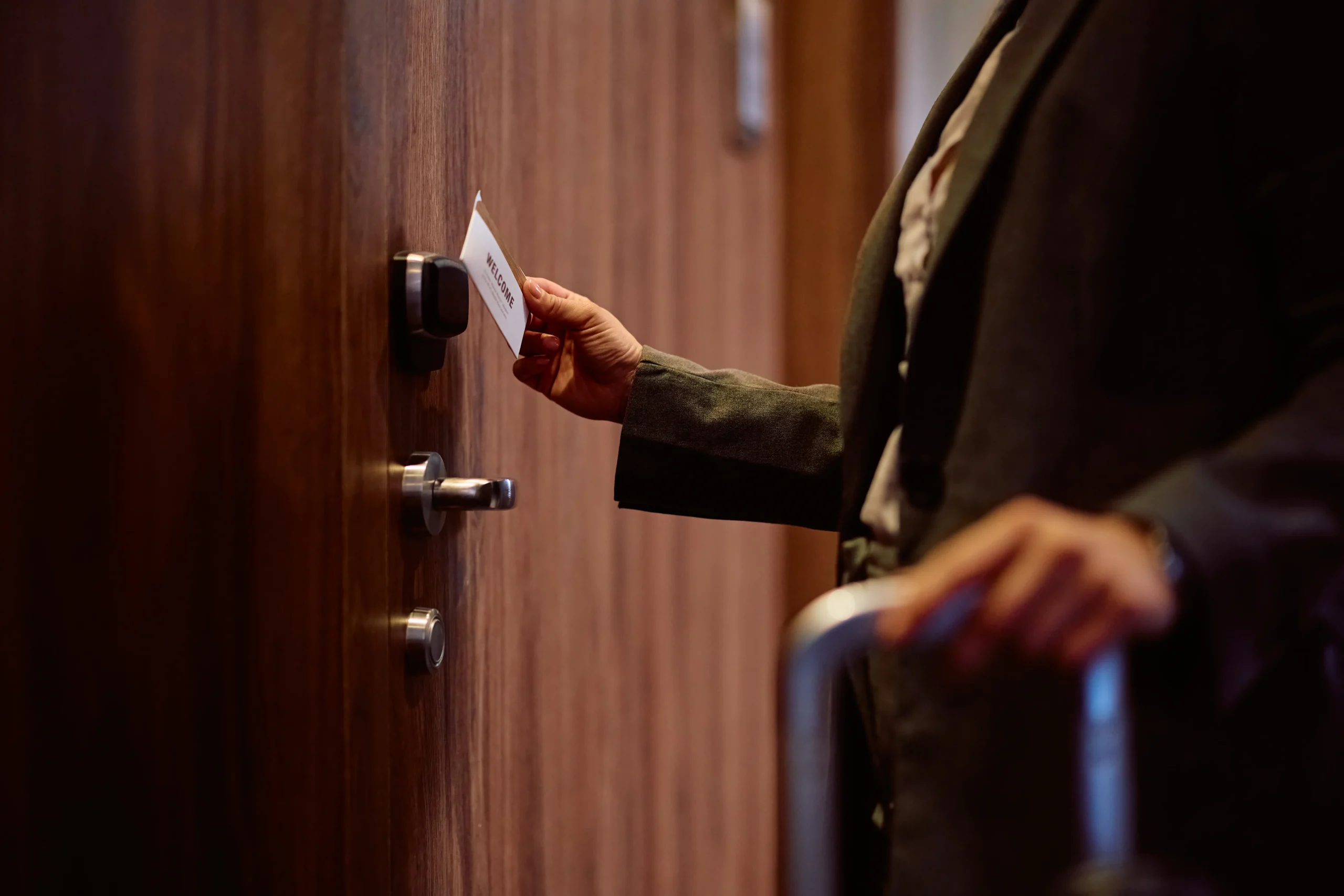
You’re not just locking doors. You’re protecting inventory, confidential information, equipment, and the people who work for you.
A proper access control system means you can grant or revoke access from your phone in seconds. No more wondering if a former employee still has a key floating around. No more rekeying locks every time someone leaves or loses their keys.
You get real-time alerts when doors open after hours. You see exactly who entered and when. And if you’re running a business near Cheyenne University or managing student housing in Delaware County, you need that level of visibility—especially with high tenant turnover and after-hours activity.
The right system scales with you. Start with your front entrance and add more doors as your business grows. Cloud-based access control systems let you expand without ripping out equipment or starting over. You’re building security that actually fits how you operate, not the other way around.
We’ve been helping people in Delaware County since the late 1800s. That’s over 140 years of locksmithing expertise, passed down through four generations of the McCausland family.
Tom McCausland and his daughter Chrissy run the largest locksmith operation in the Delaware Valley from our Prospect Park location. We’re not a franchise or a call center—we’re a family business that’s been earning trust in communities like Cheyney for longer than most companies have existed.
When you call, you’re getting technicians who’ve installed access control systems in everything from small retail shops to multi-building commercial properties. We know the difference between a system that works on paper and one that actually solves your problem. And we use OEM parts so the work lasts—not the cheapest option that’ll have you calling someone else in six months.

First, we come to your property for a free walkthrough. We look at your doors, your layout, how people move through your building. We ask about your actual security concerns—not just what you think you need, but what problems you’re trying to solve.
Then we recommend a system that makes sense for your situation. If you’ve got three employees and one entrance, you don’t need enterprise-level hardware. If you’re managing multiple buildings with dozens of access points, we’ll set you up with something that can handle that complexity without becoming a full-time job to manage.
Installation happens on your schedule. We mount the hardware, run the wiring if needed, connect everything to your network or cloud platform, and program your credentials. You get a walkthrough of how to add users, set access schedules, pull reports, and handle basic troubleshooting.
After that, you’ve got support. Something stops working? We’re available 24/7 for emergencies and typically arrive within 20 to 30 minutes in the Delaware County area. Need to add more doors or upgrade components down the road? We already know your system and can expand it without starting from scratch.
Ready to get started?
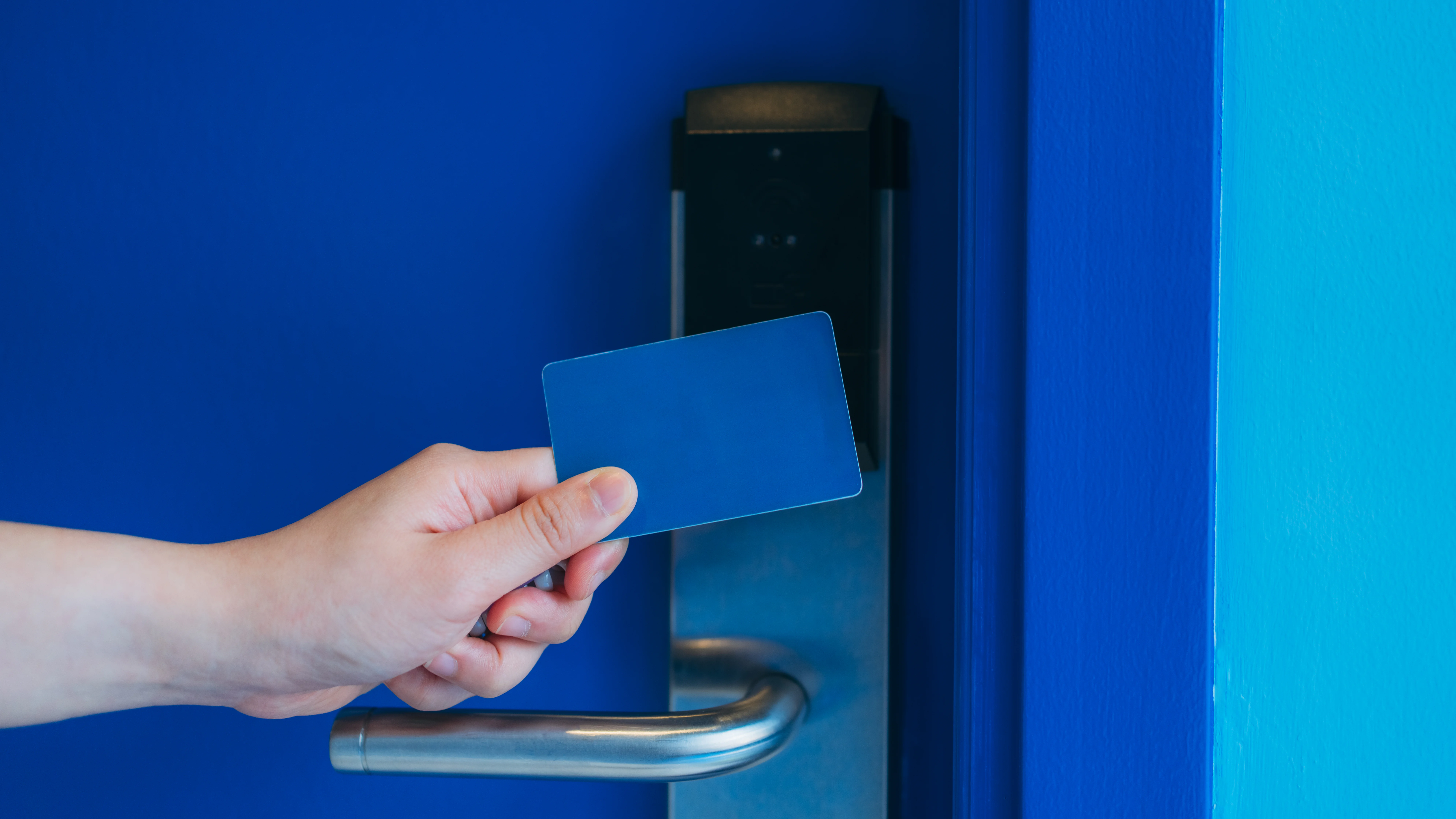

You’re getting door access control systems that work with card readers, key fobs, PIN codes, mobile credentials, or biometric scanners—whatever fits your security requirements and budget. Most small businesses in Cheyney start with card or fob systems because they’re reliable and affordable. Larger operations or those with higher security needs add biometrics or multi-factor authentication.
The system integrates with your existing security setup. Already have CCTV cameras? Your access control can trigger recording when someone badges in. Need to connect it to your alarm system? That’s standard. You’re building a complete security infrastructure, not just adding a fancy lock.
You also get the management platform—usually cloud-based for smaller operations, which means you can control everything from your phone or computer without maintaining servers. Set access schedules so employees can only enter during their shifts. Get instant notifications if someone tries to access a restricted area. Pull reports for compliance or just to see who’s consistently late.
For businesses near Cheyney University, this matters more than you’d think. Student housing sees constant turnover. Retail shops deal with seasonal staff. Small offices need to give vendors or contractors temporary access without handing out keys. A proper building access control system handles all of that without adding work to your plate.
Most small businesses in Cheyney spend between $1,500 and $5,000 for a basic commercial access control system covering one to three doors. That includes the hardware, installation, and initial setup.
The range depends on what you’re securing and how you want to control access. A single exterior door with card readers and a cloud-based management system sits at the lower end. Multiple doors, higher-security credentials like biometrics, or integration with existing cameras and alarms push costs higher.
Here’s what affects your price: the number of doors, the type of credentials you choose, whether you need new wiring or can use existing infrastructure, and whether you’re going with a cloud-based or on-premises system. Cloud systems typically have lower upfront costs but charge monthly fees. On-premises systems cost more initially but don’t have ongoing subscription charges.
The real cost isn’t just installation—it’s what happens after. Cheap systems break down, require expensive service calls, and get abandoned within a few years. You end up spending more replacing them than you would’ve spent doing it right the first time. We use manufacturer-approved parts from companies like Schlage and Medeco specifically so your system keeps working without constant maintenance.
Yes, if you choose a scalable system from the start. Cloud-based access control systems are built for this—you can add doors, users, and features as your business grows without replacing your existing equipment.
Here’s how it works: each door gets its own controller and reader hardware. Those controllers connect to your central management platform, either through your network or a cloud service. When you’re ready to add another door, you install the hardware for that door and connect it to the same platform. Your credentials, user permissions, and access schedules all stay the same.
The key is planning ahead during your initial installation. If you think you might expand, make sure your system architecture can handle it. Some older on-premises systems have hard limits on how many doors they can manage, or they require expensive server upgrades to add capacity. That’s why most small to medium businesses in Delaware County are moving to cloud-based platforms—they grow with you instead of forcing a complete overhaul every few years.
We handle this kind of expansion regularly. A business starts with front door access control, then adds the back entrance, then individual office doors, then a gate access control system for their parking area. Each addition takes a few hours, not a full reinstallation.
Most modern door entry systems have local backup that keeps working even when your internet connection drops. The door controllers store credential data locally, so people can still badge in and out during an outage.
What you lose during an outage is real-time monitoring and remote management. You won’t get instant notifications on your phone when someone enters. You can’t add or remove users until connectivity comes back. But the doors themselves keep functioning based on the last settings they received.
When internet service restores, the system syncs automatically. Any access events that happened during the outage get uploaded to your management platform so you still have a complete record. You’re not losing security or data—you just can’t make changes remotely until you’re back online.
This matters in areas around Cheyney where internet service occasionally has issues. You don’t want your entire building locked down because your ISP is having problems. A properly configured commercial access control system treats internet connectivity as a management tool, not a critical dependency. The local intelligence in each door controller keeps your business running regardless of what’s happening with your network.
You deactivate their credentials immediately from your management platform—usually in under 30 seconds from your phone or computer. That’s the entire point of electronic access control: instant changes without touching physical locks.
Log into your system, find the employee’s profile, and disable their access. Their card, fob, or PIN code stops working immediately across every door in your system. No need to collect keys, no wondering if they made copies, no emergency rekeying.
This is especially important for terminations. With traditional keys, you’ve got a window of vulnerability between when someone leaves and when you can get a locksmith out to rekey your locks. With business access control systems, that window doesn’t exist. The moment the conversation ends, their access ends.
You can also set expiration dates for temporary workers, contractors, or seasonal employees. Their credentials automatically deactivate on a specific date without you having to remember to do it manually. For businesses in Cheyney dealing with student workers or seasonal staff, this feature alone saves hours of administrative work and eliminates security gaps.
The system keeps a record of when you deactivated someone and whether they attempted to use their credentials after termination. If there’s ever a question about unauthorized access or a security incident, you’ve got documentation.
No—one system can manage different security levels throughout your entire property. You set permissions by user and by door, so different people have access to different areas all within the same platform.
Here’s a common setup: everyone can access the front entrance during business hours. Only managers can access the office area. Only specific employees can enter storage rooms, server rooms, or areas with valuable inventory. All of that runs through one access control system with different permission levels.
You can also set time-based restrictions. Maybe your front door is unlocked during business hours but requires credentials after 6 PM. Maybe cleaning crews can only access certain areas during their scheduled shifts. Maybe delivery drivers get temporary access to your loading dock but nowhere else.
This flexibility matters for businesses with varied security needs. A retail shop near Cheyney University might need open access for customers in the storefront but restricted access to the back office and stockroom. A small office building might have shared common areas but private suites that only certain tenants can enter.
The alternative—using separate systems or just traditional locks—creates gaps. You lose visibility into who’s accessing what. You can’t pull unified reports. And you’re managing multiple platforms instead of one. A properly designed building access control system gives you granular control without added complexity.
Most small to medium businesses in Cheyney are better off with cloud-based systems. Lower upfront cost, easier to scale, accessible from anywhere, and automatic updates without you having to do anything.
Cloud-based access control systems store your data and run your management software on the provider’s servers. You access everything through a web browser or mobile app. You don’t need to maintain servers, install software updates, or worry about backups—that’s all handled for you. Monthly fees typically run $50 to $150 depending on how many doors and users you have.
On-premises systems make sense if you’ve got specific compliance requirements, need to operate completely offline, or have a large facility with dozens of access points where ongoing subscription costs would exceed the price of owned hardware. You buy the servers and software upfront, install everything on your property, and manage it yourself. Higher initial investment but no monthly fees.
For most businesses, cloud wins on convenience and total cost of ownership. You’re up and running faster, you can manage access from your phone when you’re not on site, and you’re not stuck with obsolete hardware when technology changes. The system updates itself, scales easily, and doesn’t require IT expertise to maintain.
We can install either type depending on what makes sense for your situation. We’re not pushing one option because it’s easier for us—we’re recommending what actually fits your security needs, budget, and how you operate day to day.